With a parent
Safe first steps at home: short lessons, a first build, and gentle online rules. The parent is in from day one — no independent account under 13.
See age pathsThe Library
Learn · build · prove · ages 13–17 & adults
Short interactive paths: learn, work in Studio, and publish apersonal project with a live link that looks good on any phone. Parents get progress and safety guidance — without reading private chats.
550+ lessons19 tracksEnglish curriculum · Hebrew UI available
Explore first. Create an account when you want to save progress. Ages 10–12 need a parent invite.
Who it’s for
Safe first steps at home: short lessons, a first build, and gentle online rules. The parent is in from day one — no independent account under 13.
See age pathsLearn with focus, create in Studio, and finish a personal project you can show. Made for teens who want skill — not another screen-time sink.
Open teen demoSolo professional tracks for people who already work — plus The Library Comply for short AI-era awareness with completion records.
Adult curriculumHow it works
Five short steps — from a lesson unit to proof you can share.
Match the goal to age and experience — teen, parent household, or adult solo.
Interactive lessons that prepare you to build, not binge videos.
Turn the lesson into a real project with guided practice.
Quick checks and feedback so the next version is stronger.
Ship a mobile-ready link you can show — family, class, or portfolio.
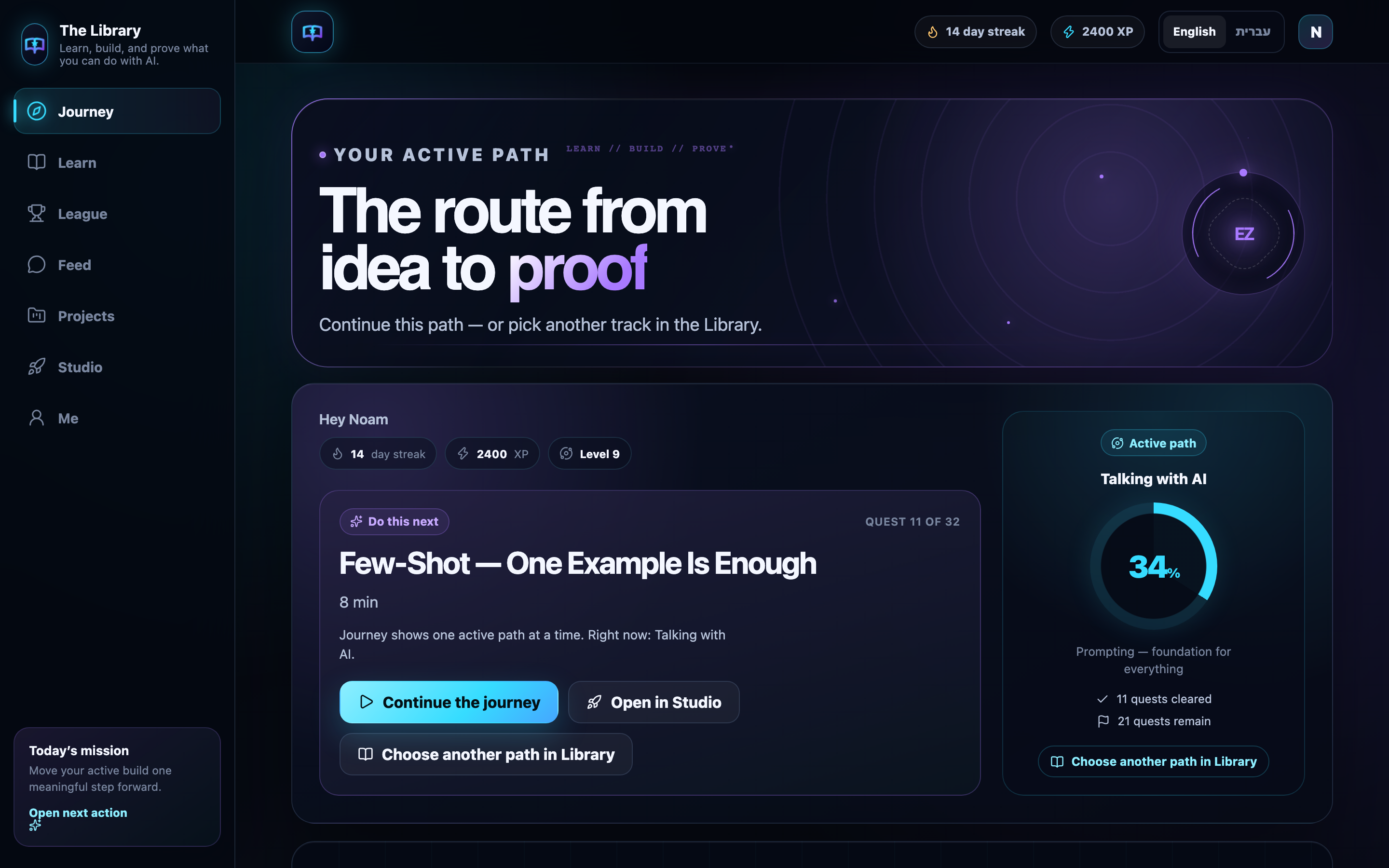
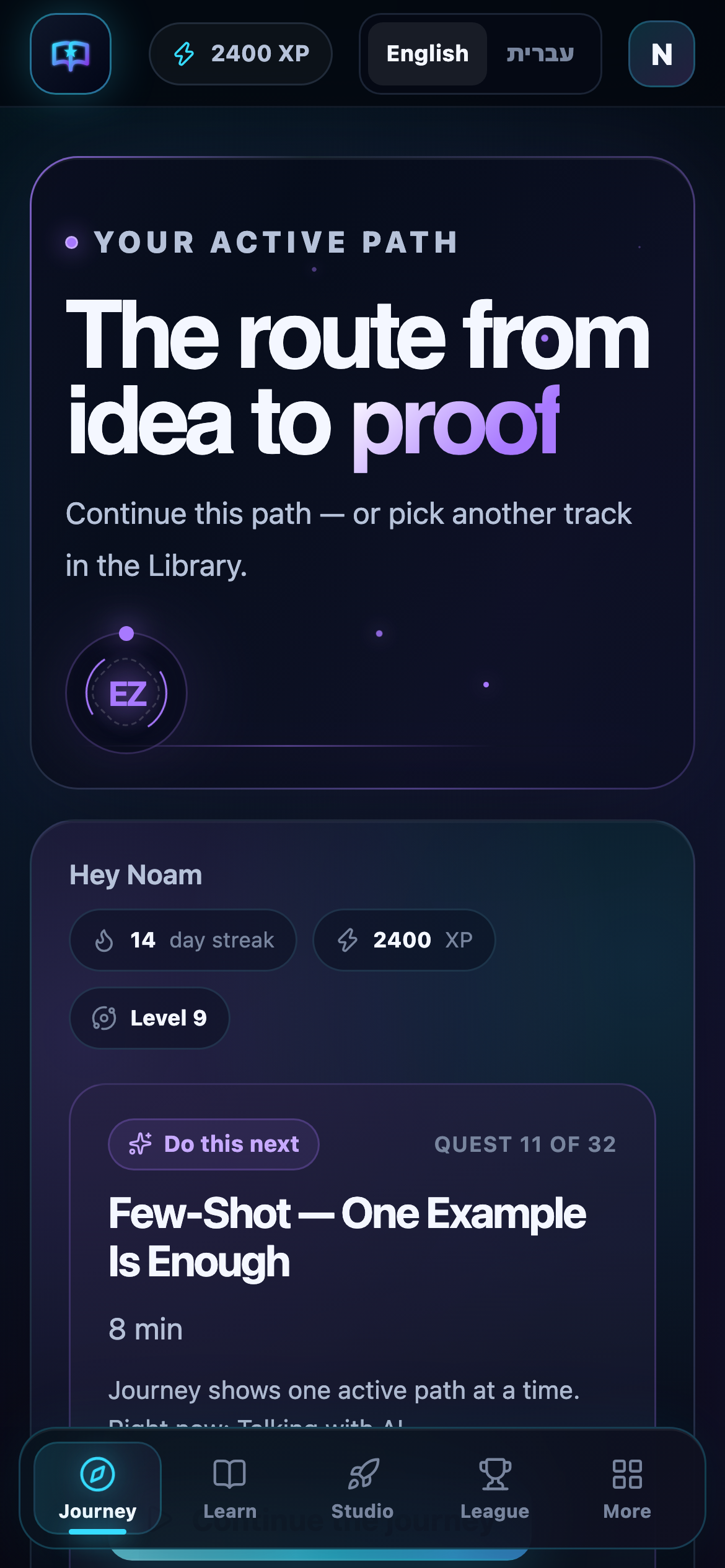
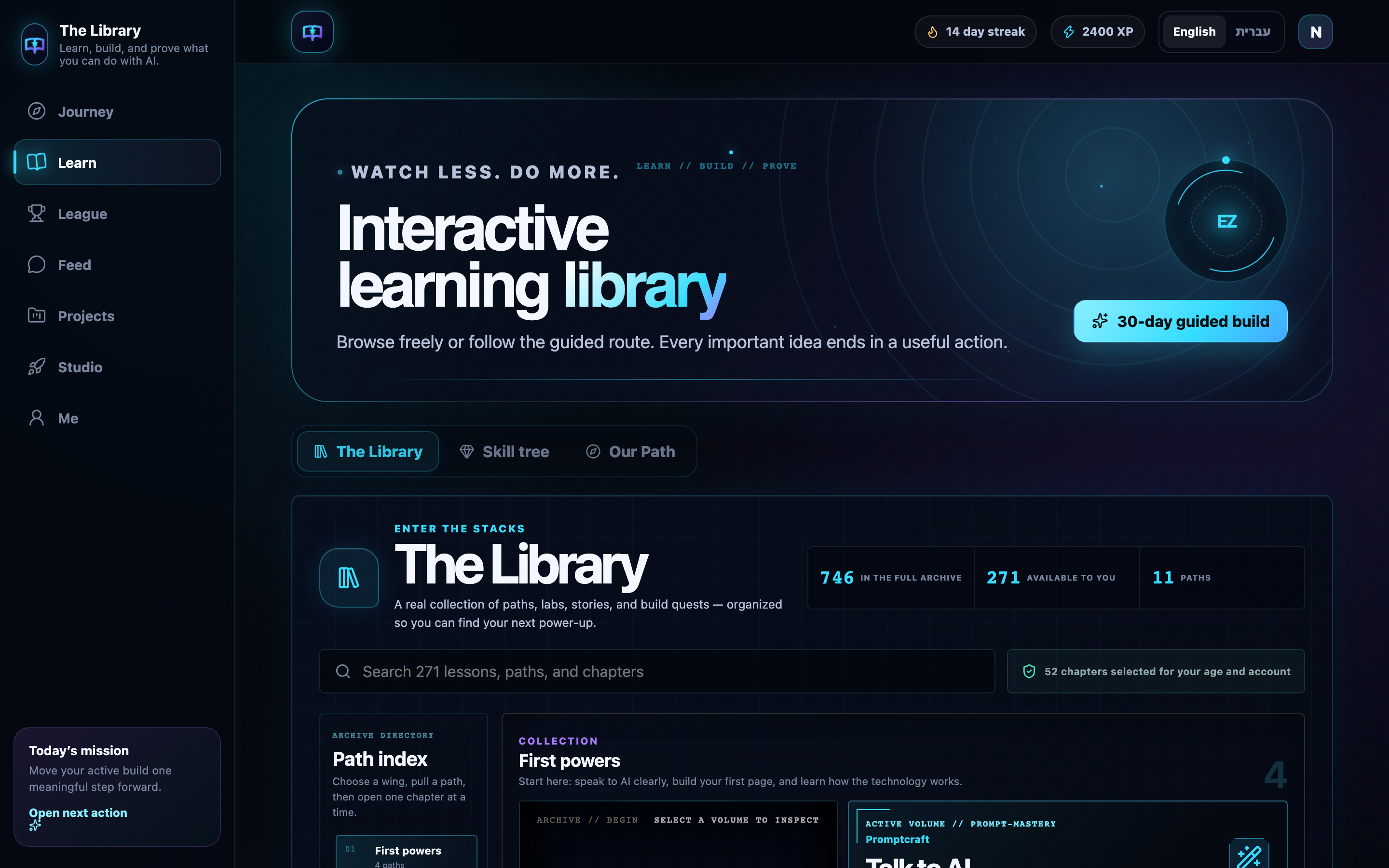
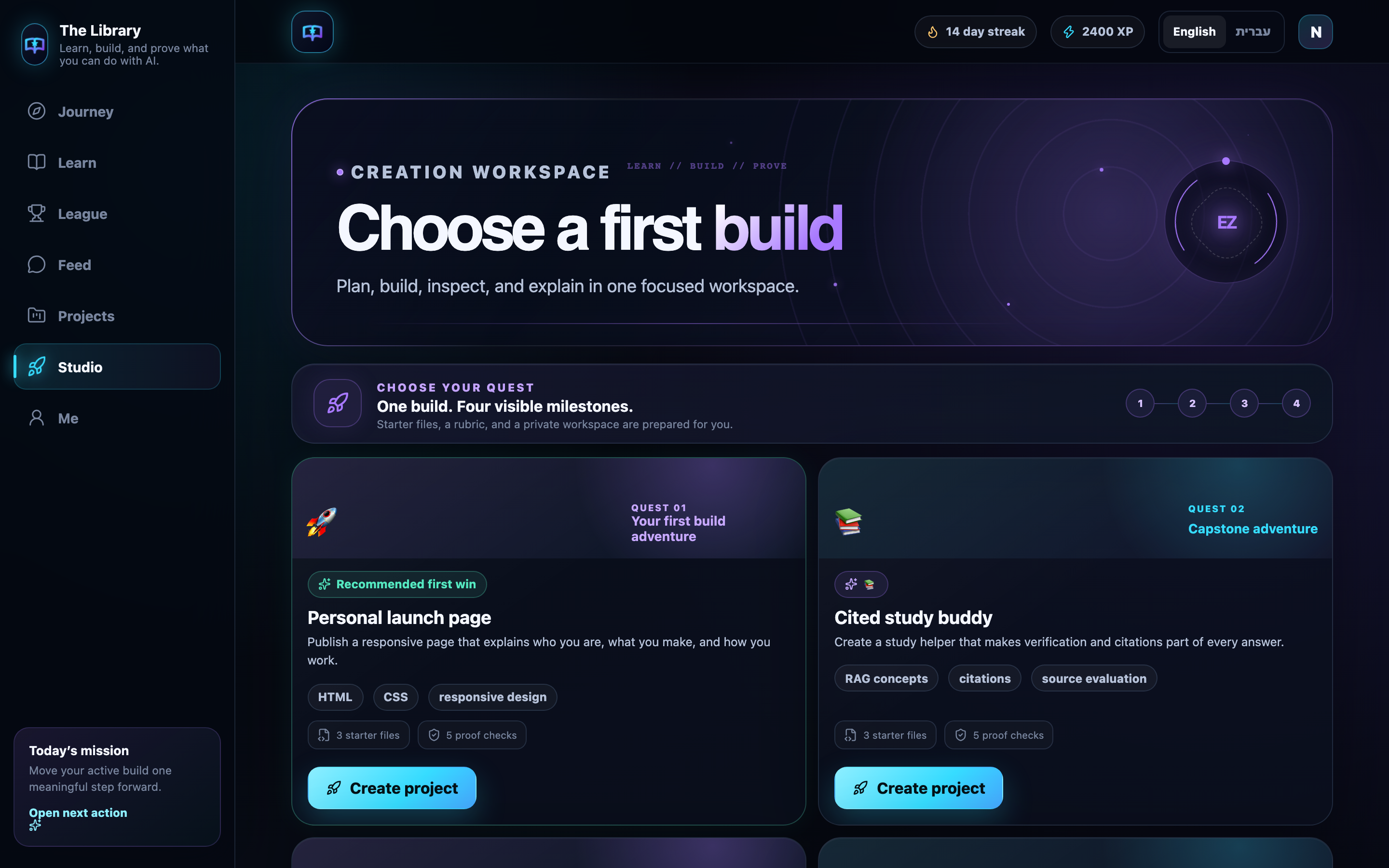
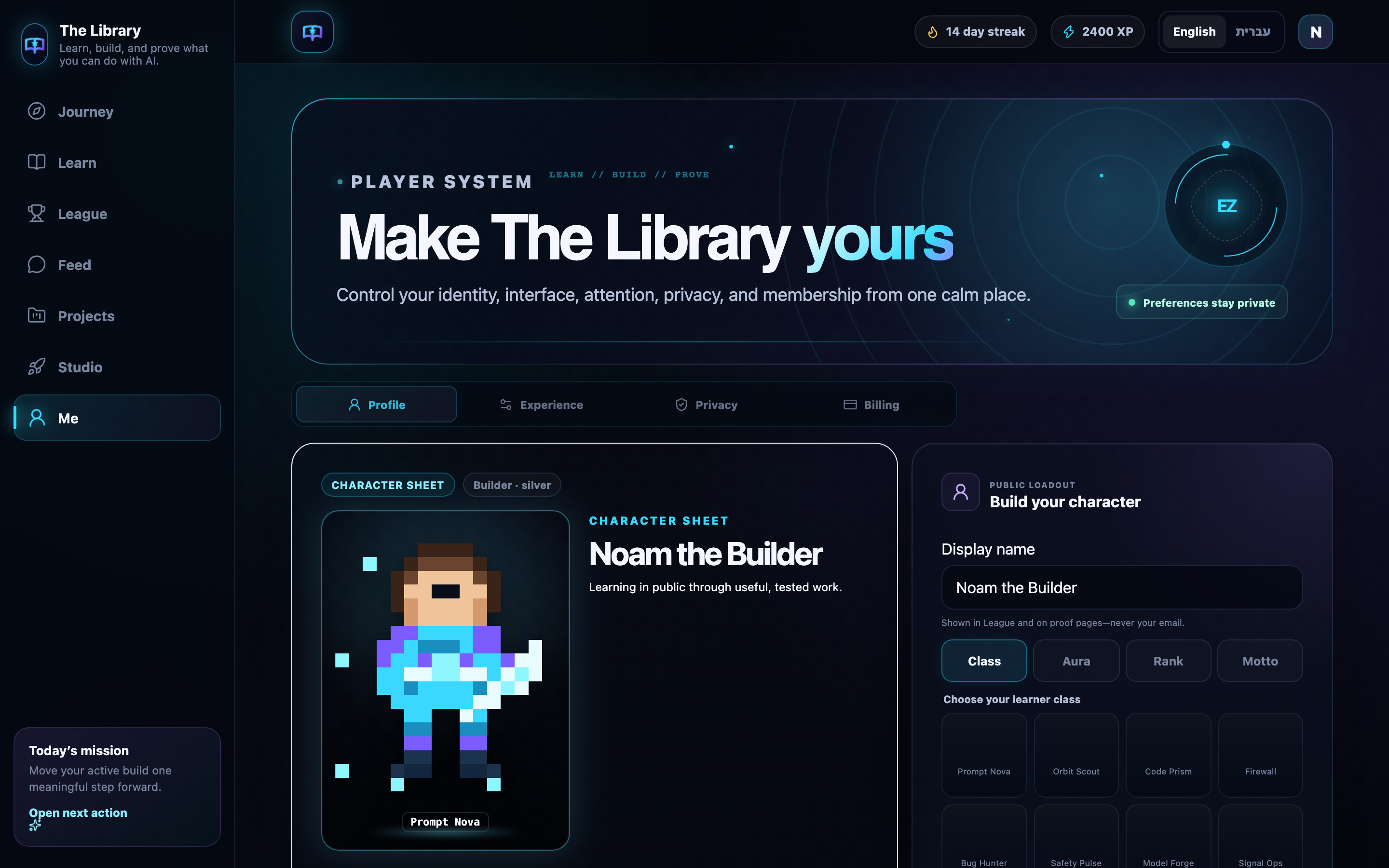
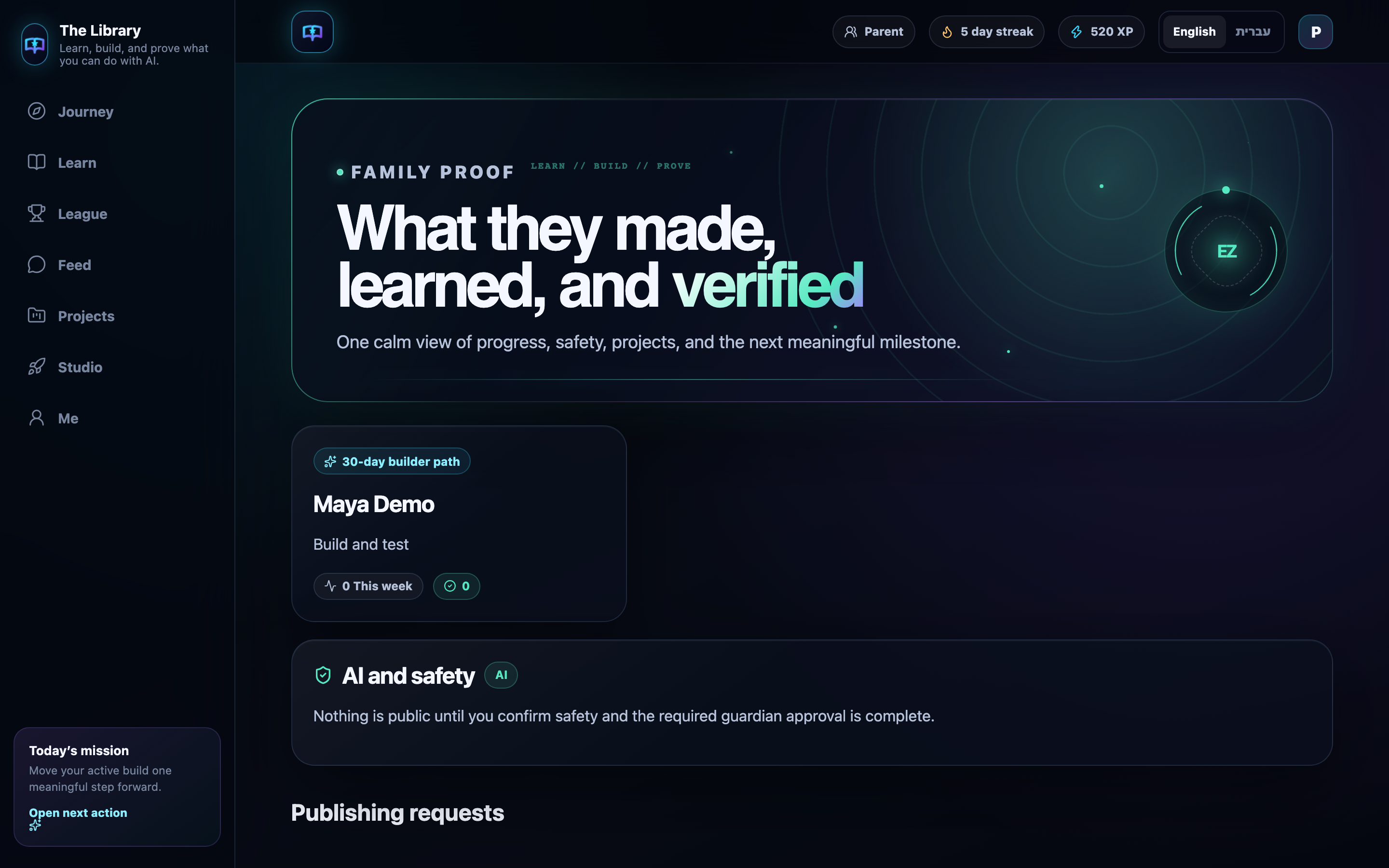
Inside the app
Not mockups — product UI from the live demo.
Value & safety
For teens
Learn cleanly, build something that is yours, and show it.
For parents
See progress and keep safety guidance close — without reading every message.
Built by AliceSolutions Group · Karmiel, Israel · Privacy first · [email protected]
Pricing
Try first, decide later. Billing is in USD. Cancel anytime viaCancel / contact selleror email [email protected].
See full pricingNo. Tracks start from zero. Short lessons lead into Studio, where you build with guidance — not a blank chat box.
Yes. Open a live demo with no card. Create an account when you want to save progress. Paid plans are in USD; cancel anytime.
Ages 10–12 join only with a parent invite. Ages 13–17 can start a capped trial, then continue with a parent. Adults 18+ open a solo account. Under 10: no independent child account.
Parents get a progress view and online-safety guidance — not WhatsApp reading, not location tracking, not message history. Built for trust at home.
Yes for this site and the core curriculum. The app UI is bilingual (English + Hebrew). Some localized lesson bodies are still rolling out.
Minutes to get in — pick a path, try the demo, and move toward a personal build.